

Why Wix Is the Right Choice for a Mobile-Friendly Website
 By Bailey Abson, SEO Assistant · 27 March 2026 · 8 min read


Wix is a strong choice for a mobile-friendly website because it gives you proper mobile editing tools in the Wix Editor and fully responsive design with breakpoints in Wix Studio, all without plugins or a theme you can't change. You can design exactly how your site behaves on a phone, rather than hoping it shrinks nicely.
And it matters. Most people will see your website on a phone first. Not sometimes, most of the time. If your site looks brilliant on a laptop but turns into a squashed mess on mobile, you're paying to lose enquiries.
In this guide we cover what mobile-friendly really means, how the Wix Editor and Wix Studio compare, the Wix tools that make mobile layouts easier, the mistakes that make Wix sites look bad on phones, and how we build mobile-first Wix sites that don't fall apart.
What does a mobile-friendly website actually mean?
A mobile-friendly site isn't just one where the content shrinks to fit. A properly formatted mobile site should:
- Load fast
- Be readable without zooming
- Have tap-friendly buttons, not tiny links
- Keep key information visible without endless scrolling
- Make it easy to take action: call, book, buy or enquire
- Avoid odd gaps, overlapping elements and things in strange places
Google also uses mobile-first indexing, which means it mainly looks at the mobile version of your site. Google's own Search Central guidance recommends responsive web design as the easiest pattern to implement and maintain. So mobile formatting is a design job and an SEO job.
Is Wix mobile-friendly? Two routes, depending on what you need
This is where Wix beats a lot of platforms: you choose the level of responsiveness you need without leaving Wix.
Wix Editor (classic) | Wix Studio | |
How mobile works | Creates a mobile version automatically, then you adjust it in the Mobile Editor | Fully responsive design with breakpoints for mobile, tablet and desktop |
Responsiveness | Partially responsive (some elements adapt, others need manual work) | Built for responsive layouts using flexbox and grid tools |
Best for | Straightforward brochure sites | Modern, brand-heavy or complex layouts |
Mobile-only fixes | Done separately in mobile view | Fewer needed, as layouts adapt across screen sizes |
Option A: Wix Editor for a quick, controllable mobile version
The Wix Editor automatically creates a mobile-friendly version of your desktop site, and you can then customise it in the Mobile Editor. It's ideal when you want a straightforward brochure site, don't need complex layout behaviour and are happy to tweak mobile separately.
Wix is upfront that the classic Editor is partially responsive. Some elements adapt, others need manual work in mobile view. That's not a dealbreaker, it's just how that editor works.
Option B: Wix Studio for proper responsive design
If you want a site that adapts across every screen size, including the in-between ones, Wix Studio is the one. It's built around responsive layout tools and breakpoints. Wix sets default breakpoint ranges for mobile, tablet and desktop, and you can customise them.

Studio also gives you layout tools like flexbox and grid systems designed to wrap and adapt across screens. It's ideal when you want modern, fully responsive behaviour, have more complex layouts, want fewer mobile-only fixes and care about consistency across devices. We compare the two in more depth in is Wix Studio better for mobile design than Wix Editor.
What makes Wix especially good for mobile-friendly design?
1. A real mobile editing workflow
In the Wix Editor's Mobile Editor, you can do the specific jobs that make a site feel good on a phone: adjust layout and spacing, hide sections and resize elements. That means you can fix the things that usually ruin mobile UX:
- Giant headers that fill the whole screen
- Awkward spacing between sections
- Buttons that sit too close together
- Forms that are painful to fill in on a phone
2. Wix Studio treats mobile as a priority, not an afterthought
Responsive design is the whole point of Wix Studio. Its breakpoints and responsive behaviour mean layouts adapt more naturally. Studio also has a responsive AI tool that can generate responsive versions of sections across breakpoints, which you can apply or discard. It isn't a replacement for a designer, but it's a useful time-saver.
3. Wix explains mobile best practice clearly
Wix publishes clear guidance on building mobile-friendly sites, including the difference between responsive and adaptive approaches. That matters, because plenty of builders either explain nothing or claim it's all automatic and leave you to find the problems later.
The big mistake: assuming responsive means done
We see this all the time. Someone builds a Wix site on desktop, glances at it on mobile and decides it's basically fine. Then their bounce rate tells a different story. Mobile-friendly isn't only about layout. It's about usability.
How to make your Wix site look properly good on phones
1. Start with the mobile content hierarchy
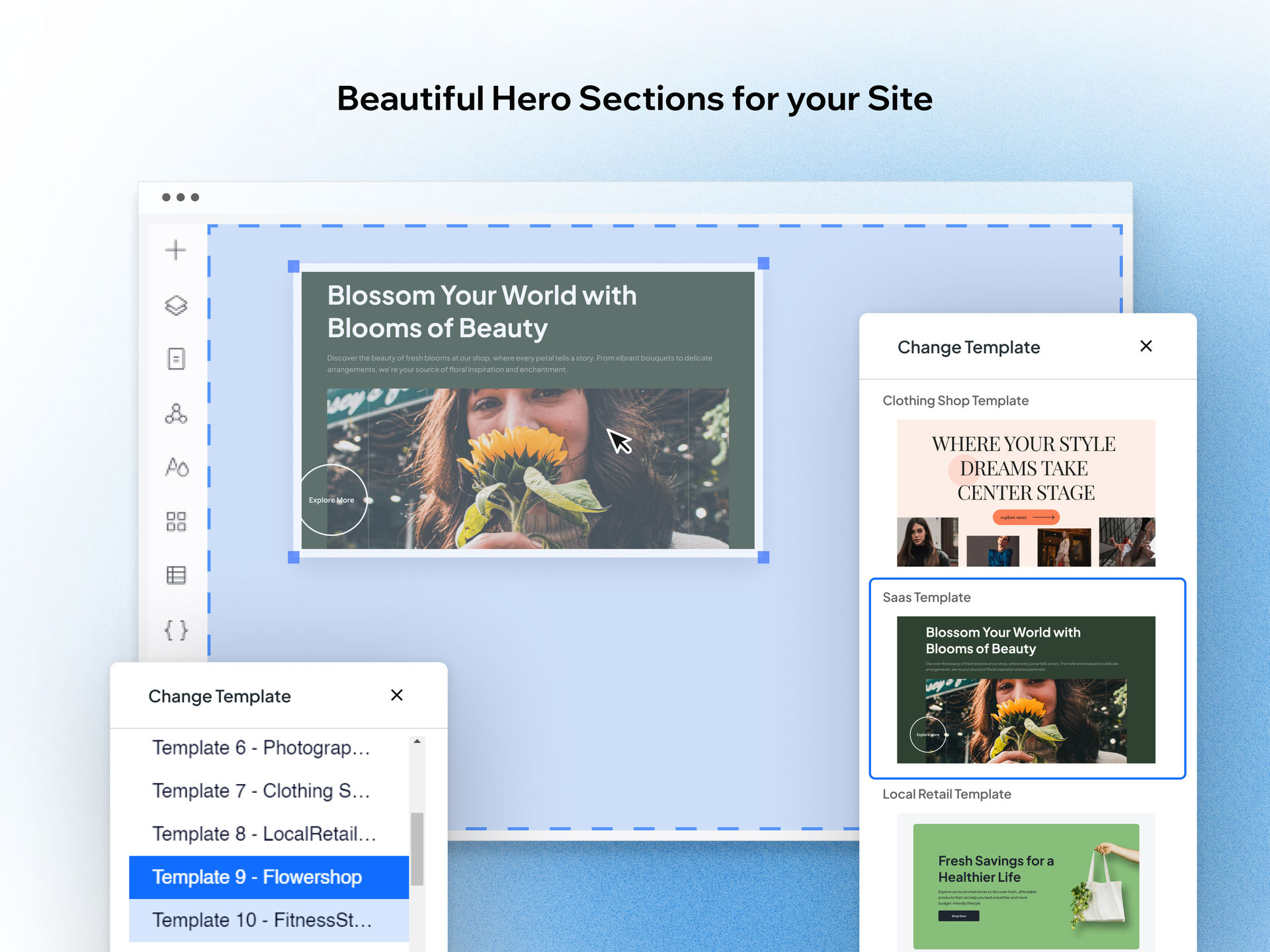
On mobile, the top of the page is everything. Your first screen should usually show:
- What you do
- Who it's for
- The main benefit
- A clear next step: call, book, enquire or shop
If visitors have to scroll past a huge banner image to understand what you do, you've lost them. Our rule: if someone can't get it in 5 seconds on a phone, restructure the hero section.
2. Fix spacing and section padding
This is where DIY sites fall down. Too tight feels claustrophobic, too loose feels endless. We focus on consistent padding around sections, readable line lengths and enough white space to scan. It's boring work, but it's what makes a site feel professional on a phone.
3. Make buttons big and obvious, with one main call to action
Mobile users are thumb users. Buttons should be large enough to tap easily, your primary call to action should be consistent, and secondary links shouldn't compete with it. If you've got three button styles and Contact us appears in eight random places, the site is messy.
4. Don't overload mobile with desktop-only content
Some sections work well on desktop and feel terrible on a phone, such as huge multi-column blocks, dense comparison tables, very long lists and big galleries at the top of the page. In the Wix Editor, you can customise the mobile view so it isn't just a tiny desktop. In Wix Studio, you manage how content behaves at each breakpoint.
5. Sort your typography
If your mobile text is too small, nobody reads it. Aim for comfortable body text (not designer-tiny), clear headings that are more than just bigger body text, good line spacing and short paragraphs. This helps accessibility, engagement and conversions. Our guide to Wix website accessibility has more on this.
6. Keep mobile navigation simple
Mobile menus shouldn't be clever. They should be short, clear and predictable. If people have to hunt for Pricing or Contact, you'll get fewer leads. Keep important actions visible too, for example:
- A sticky Call or Book button
- A WhatsApp or chat option, where it suits the business
- A click-to-call phone number in the header
For more, see how to make your Wix site easy to navigate.
7. Use Wix Studio's responsive AI as a time-saver, not a crutch
Responsive AI can generate responsive versions of a section across breakpoints, and you preview the result before applying it. It helps most with sections that need reorganising on mobile, layouts that need a better stacking order, and galleries or cards that should become sliders on a phone. It still needs a human eye. AI can make things work, but it doesn't guarantee they'll be good.
Wix vs other platforms for mobile design
We're a Wix agency, so we're biased. But we're not daft: plenty of platforms can produce a responsive site. The difference is how much control you have and how painful it is to get right.
Wix vs Squarespace
Squarespace looks good out of the box and its templates are responsive, but many people find it restrictive when they want to place and structure elements freely. Wix offers more customisation, and Wix Studio in particular gives you more design flexibility across screen sizes. In short, Squarespace is tidy, but Wix gives you more control when you know what you're doing, or hire someone who does. More in Wix vs Squarespace.
Wix vs WordPress
WordPress can absolutely be responsive, as long as you choose a good theme, configure it properly, manage plugins, keep everything updated and fix conflicts when they happen. That can be brilliant, or it can become a time sink. Wix's advantage is that hosting, editor, updates, mobile tools and SEO basics are all integrated. You're not juggling five parts.
How we build Wix sites that look right on phones
When we build or fix a Wix site, we don't do desktop then pray. We:
- Choose the right Wix editor for the job. A simple brochure site can be fine in the Wix Editor. A modern, brand-heavy site that needs proper responsiveness goes in Wix Studio. We'll tell you straight if you're forcing the wrong tool.
- Design mobile-first layouts on purpose. Pages are structured around mobile scanning, short sections, clear calls to action and easy navigation.
- Test on real devices, not just the editor preview. Real phones reveal sticky header quirks, awkward tap targets, spacing that looks fine but feels wrong, and annoying forms.
- Focus on mobile conversions, not just appearance. We look at where users drop off, where the call to action sits, whether key information appears early enough and whether the page is too heavy, then fix what affects enquiries and sales.
Want your Wix site to work better on phones?
If your Wix site is live and the mobile version is a bit meh, we can help in two ways:
- Wix Fix (£75 an hour + VAT): we'll tidy the mobile layout, sort spacing, improve navigation and make it feel polished.
- A full Wix build (from £849 + VAT): we'll rebuild it mobile-first, often in Wix Studio, from the ground up.
Either way, get in touch and we'll take an honest look at what you've got.
Frequently asked questions
Is Wix mobile-friendly?
Yes. The Wix Editor automatically creates a mobile version of your site, which you can then adjust in the Mobile Editor. Wix Studio goes further with fully responsive design and customisable breakpoints for mobile, tablet and desktop. Either way, you still need to check spacing, text size, buttons and navigation on real phones.
How do I make my Wix site mobile-friendly?
Put what you do and a clear call to action at the top of the mobile page, use consistent padding, make buttons big enough to tap, keep body text readable and simplify the menu. Hide or rework desktop-only sections such as wide tables. Then test on real devices rather than relying only on the editor preview.
Is Wix Studio better than Wix Editor for mobile?
For most modern sites, yes. Wix Studio is built for responsive design, with breakpoints, flexbox and grid tools, so layouts adapt across every screen size with fewer manual fixes. The classic Wix Editor is partially responsive and relies on adjusting a separate mobile view, which works well for simpler brochure sites.
Why does my Wix site look bad on mobile?
Usually because it was designed on desktop and never properly adjusted for phones. Common causes are oversized headers, inconsistent spacing, small text, buttons too close together, wide multi-column sections and cluttered menus. In the Wix Editor, fix these in the Mobile Editor. In Wix Studio, adjust the mobile breakpoint.
Does mobile design affect SEO on Wix?
Yes. Google uses mobile-first indexing, so it mainly evaluates the mobile version of your site. A mobile layout that is slow, hard to read or hard to use can hold back rankings and conversions. Google recommends responsive design, which is exactly what Wix Studio is built around.


