

Website Design for Small Business: The 2026 Guide
 By Joe Bennett, Managing Director · 30 January 2026 · 8 min read

Good website design for small business starts with a clear goal, a simple structure and a mobile-first layout, then adds trust signals, obvious calls to action and solid SEO foundations. Looks matter, but a small business website earns its keep by turning visitors into enquiries and sales. Everything in this guide is aimed at that.
Customers expect fast, easy online experiences, and they will judge your business by your website before they ever call. This guide walks you through every step without jargon: planning, picking a platform, designing the site, getting found on Google and keeping it fresh. It is the same thinking we use on the 500+ Wix websites we have built.
Disclosure: This post contains affiliate links. If you sign up through them we may earn a small commission, at no extra cost to you.
If you have decided Wix is the right fit, you can start building on Wix for free here and try the editor before you commit.
What small business customers expect in 2026

Before you design anything, it helps to understand what your visitors want.
- Mobile first. Most people research local businesses on their phone, often while on the move. If your site is slow or fiddly on a small screen, they go elsewhere.
- Instant answers. People want to know what you do, where you work, what it roughly costs and how to get in touch, without hunting.
- Clean, modern design. Clear layouts, bold typography and good imagery. Interactive features such as quote calculators can help, as long as they are useful rather than decoration.
- Proof you are real and good. Reviews, testimonials, accreditations and awards carry more weight than marketing copy.
- Security and privacy. SSL, a clear privacy policy and GDPR-compliant forms are expected as standard.
- Accessibility. Readable fonts, strong colour contrast and alt text make your site usable for everyone. WCAG 2.2 is the standard to aim for.
AI and automation are also part of the picture now, from chatbots to smart forms. Used sensibly, they give visitors faster answers and save you admin time.
Plan first: laying the foundation

Define your goals
What should your website do? Generate leads, sell products, take bookings or simply inform? Clear goals set the direction for every decision that follows, and they let you measure whether the site is doing its job.
Understand your audience
Your website is for your customers, not for you. Work out who they are, what problems they have and why they would choose you. Map the journey from first click to enquiry, and write for that person.
Check your competitors
Look at what your top competitors do online. Tools like Semrush (we are an official Semrush Agency Partner), Ahrefs or SimilarWeb show who ranks, what content they have and how they present it. Learn from what works in your sector, then do it better.
Budget for the build and the running costs
Factor in the design and build, plus ongoing costs such as your plan, domain, updates and marketing. Watch out for hidden extras like paid add-ons or support fees. Our guide to how much a Wix website costs breaks this down.
Choose your domain and branding
Pick a domain that is short, memorable and easy to spell. Keep your logo, colours and fonts consistent on every page. A strong, consistent identity builds trust and helps people remember you.
Map out your content
List your must-have pages before you build: usually Home, About, Services, Contact and Blog. Every page should have a clear call to action and some trust signals. Planning content first makes the build smoother and the finished site more complete.
Choosing the right website platform
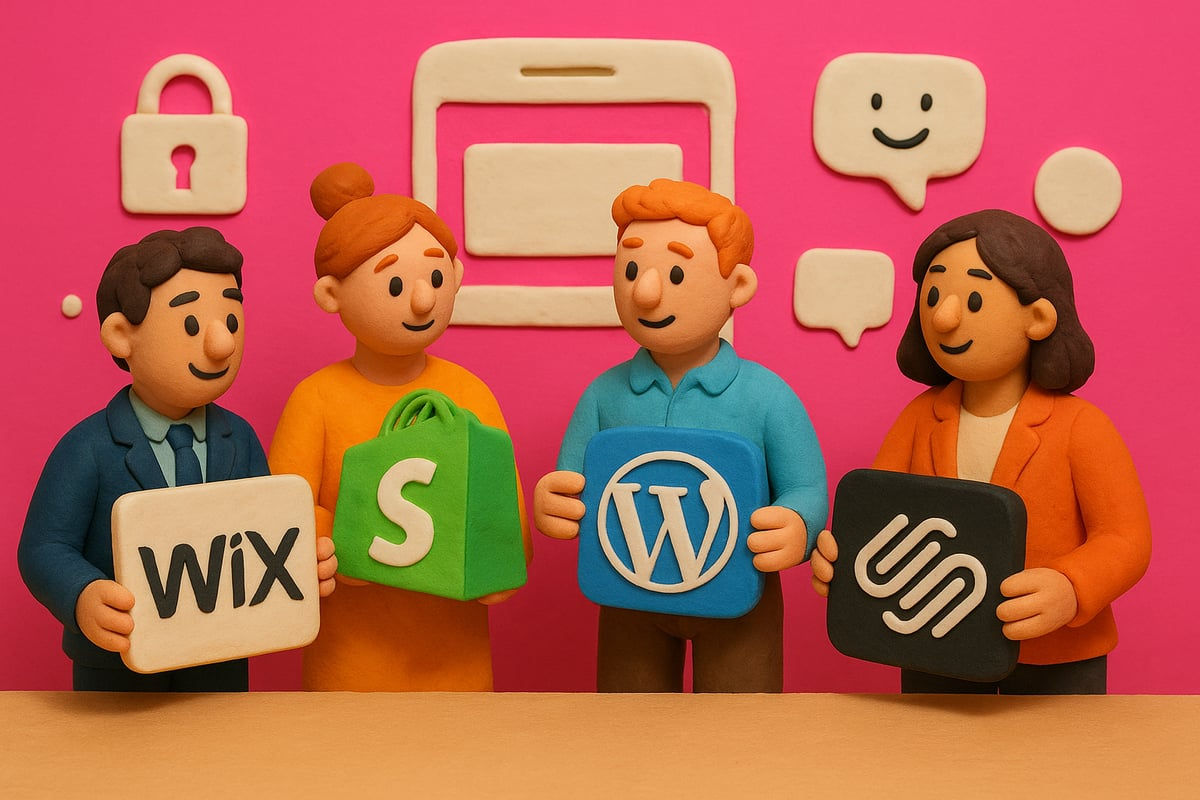
Picking a platform is a big decision because it affects cost, flexibility and how easily you can update the site yourself.
Platform | Strengths | Weaknesses | Best for |
Wix | Drag and drop, all-in-one, fast to launch | Less suited to very deep custom development | Service businesses, portfolios, small shops |
Shopify | Ecommerce powerhouse | Monthly app costs add up, less design freedom | Product-led online shops |
WordPress | Highly customisable, huge plugin library | Steeper learning curve, ongoing maintenance | Content-heavy sites with technical support |
Squarespace | Sleek templates, easy editing | Fewer integrations, less scalable | Simple creative or brochure sites |
For most UK small businesses, Wix is the most practical choice. We explain why in 10 reasons to choose Wix for your small business website.
No-code tools put you in control
No-code platforms mean you can build, tweak and update your site without calling a developer every time. Wix Editor, Wix Harmony and Wix Studio all let you drag, drop and publish, so changes happen faster and with less stress.
What to look for in any platform
- Responsive design for mobiles and tablets
- Room to grow as your business does
- Built-in SEO tools and analytics
- Ecommerce options if you sell online
- Integrations for bookings, chat and payments
- Automation for tasks like emails
Moving from an old site
If you already have a site, a careful migration protects your Google rankings. Back up your content, map out redirects for every URL that changes and test everything before switching over. Our website migration service handles this for businesses moving to Wix from WordPress, Squarespace, Shopify and others.
Hosting, security and speed
Choose a platform with reliable hosting, SSL included and tools that help you stay GDPR compliant. Speed matters too: a slow site sends customers away. Wix includes hosting and SSL as standard, which takes a lot of worry off your plate.
Step by step: designing your small business website

Step 1: Structure the site for easy navigation
Start with a clear, logical layout. Plan your core pages, keep menus simple and map how someone moves from landing to enquiry. A mega menu suits businesses with lots of services; a simple dropdown works if you have a tighter focus. Test the journey yourself, because if you get lost, so will your customers.
Step 2: Create strong visuals and content
Use sharp photos, video and graphics that match your brand. Real photos of you, your team and your work beat stock images. Keep copy direct and focused on benefits, write for your ideal customer and break text up with headings, bullet points and tables.
Step 3: Design mobile-first
- Prioritise fast load times.
- Use large buttons and readable fonts.
- Make sure images resize smoothly.
- Test on real phones and tablets, not just a desktop preview.
Step 4: Add calls to action and lead capture
Make it easy for people to act. Use clear calls to action such as "Book now" or "Get a quote", place them where people will see them (not hidden in the footer), and keep forms short. Use pop-ups for offers and embedded forms for enquiries, then test what works best for your audience.
Step 5: Show social proof and trust signals
- Client reviews, with photos if possible
- Certifications, accreditations and awards
- Trust badges for payments and security
- Case studies with real results
Step 6: Add useful personalisation and interactivity
Chatbots, quote calculators, quizzes and personalised recommendations can keep visitors engaged. Only add what genuinely helps people, because every feature should earn its place.
Step 7: Build in accessibility
Add alt text to images, make the site keyboard friendly, use readable fonts and strong contrast, and aim for WCAG 2.2. It is the right thing to do and it opens your business to more customers.
Step 8: Test before launch
- Check every link, form and button.
- Test on different browsers and devices.
- Set up SEO basics and connect Google Analytics and Search Console.
- Fix any bugs before launch day.
SEO and getting found
Core SEO principles
Search engines reward sites that answer real questions, load quickly and look trustworthy. Each page needs a clear title, a sensible heading structure and content that matches what customers search for. Google's E-E-A-T (experience, expertise, authoritativeness and trustworthiness) matters more than ever. Our guide to structuring Wix pages for SEO explains the practical side.
Local SEO essentials
Most small businesses rely on local customers. Set up and optimise your Google Business Profile, keep your name, address and phone number identical everywhere, use location keywords naturally and ask happy customers for reviews. Our guide to Google Business and Bing Places walks you through it.
Content and blogging
A blog keeps your site fresh and lets you answer the questions customers actually ask. Focus on quality over quantity, organise posts into topics that support your main service pages and target longer, more specific searches.
Technical SEO
Your site must load quickly, work on mobile and pass Core Web Vitals. Optimise images and use structured data (schema) so search engines understand your pages.
Links and authority
Earn links from partners, industry sites and local press. Avoid low-quality directories and paid links. Genuine relationships, guest articles and local PR all help.
Track and improve
Set up Google Analytics and Search Console from day one, track enquiries and sales, and use the data to keep improving.
Conversion and maintenance
- Study user behaviour. Heatmaps, session recordings and conversion funnels show where people drop off.
- A/B test. Try different headlines, calls to action or layouts, one change at a time.
- Maintain the basics. Keep integrations up to date, check forms and monitor that the site is running smoothly.
- Keep content fresh. Add blog posts, new projects, updated team bios and seasonal offers.
- Plan for growth. As you add services or start selling online, make sure the site stays fast and easy to use.
Sometimes a full overhaul is smarter than endless tweaks. If you recognise any of these signs it is time for a redesign, it is worth acting before the site holds you back.
Do it yourself or bring in the pros?
Doing your own updates saves money but takes time and know-how. Outsourcing means faster fixes and expert eyes. If you are growing quickly or the site is getting complicated, help is often worth it. Whatever you choose, never let your site gather dust.
Get a small business website that works
We are a Wix-only agency and Wix Legend Partner with a 5.0 star Google rating. Our Wix website packages start from £849 + VAT (or £85 a month for 12 months), with homepage design in 7 to 10 working days and the rest of the site in 3 to 4 weeks. Get in touch and we will look at your goals, what is working and what is not, and map out your next steps. No hard sell, just honest advice.
Frequently asked questions
What makes good website design for a small business?
A clear goal, simple navigation, a mobile-first layout, fast loading pages and obvious calls to action. Add trust signals such as reviews, accreditations and real photos, and make sure the basics of SEO are in place. Good small business design is less about looking trendy and more about turning visitors into enquiries.
How much does a small business website cost?
It varies widely depending on the platform, the number of pages and whether you build it yourself or hire someone. Our professionally built Wix website packages start from £849 + VAT, or £85 a month for 12 months. Remember to budget for ongoing costs too, such as your plan, domain and marketing.
What is the best website platform for a small business?
For most UK small businesses, Wix is the most practical choice. It is all-in-one, includes hosting and SSL, is easy to update and has built-in SEO, bookings and ecommerce. Shopify suits product-led shops, WordPress suits content-heavy sites with technical support and Squarespace suits simple brochure sites.
What pages does a small business website need?
Most need a Home page, About page, Services page (or one page per main service), Contact page and a Blog. Many also benefit from case studies, testimonials and FAQs. Every page should have a clear call to action, such as getting a quote or booking a call, and some form of trust signal.
How long does it take to design a small business website?
It depends on the size of the site and how quickly content is ready. When we build a Wix website, the homepage design takes 7 to 10 working days and the rest of the site takes 3 to 4 weeks. Having your copy, photos and logo ready speeds things up.


